
free tools

Tools we built. Yours free.

We make small Mac apps to fix our own problems. When one turns out useful, it goes up here. No account, no signup, no subscription.

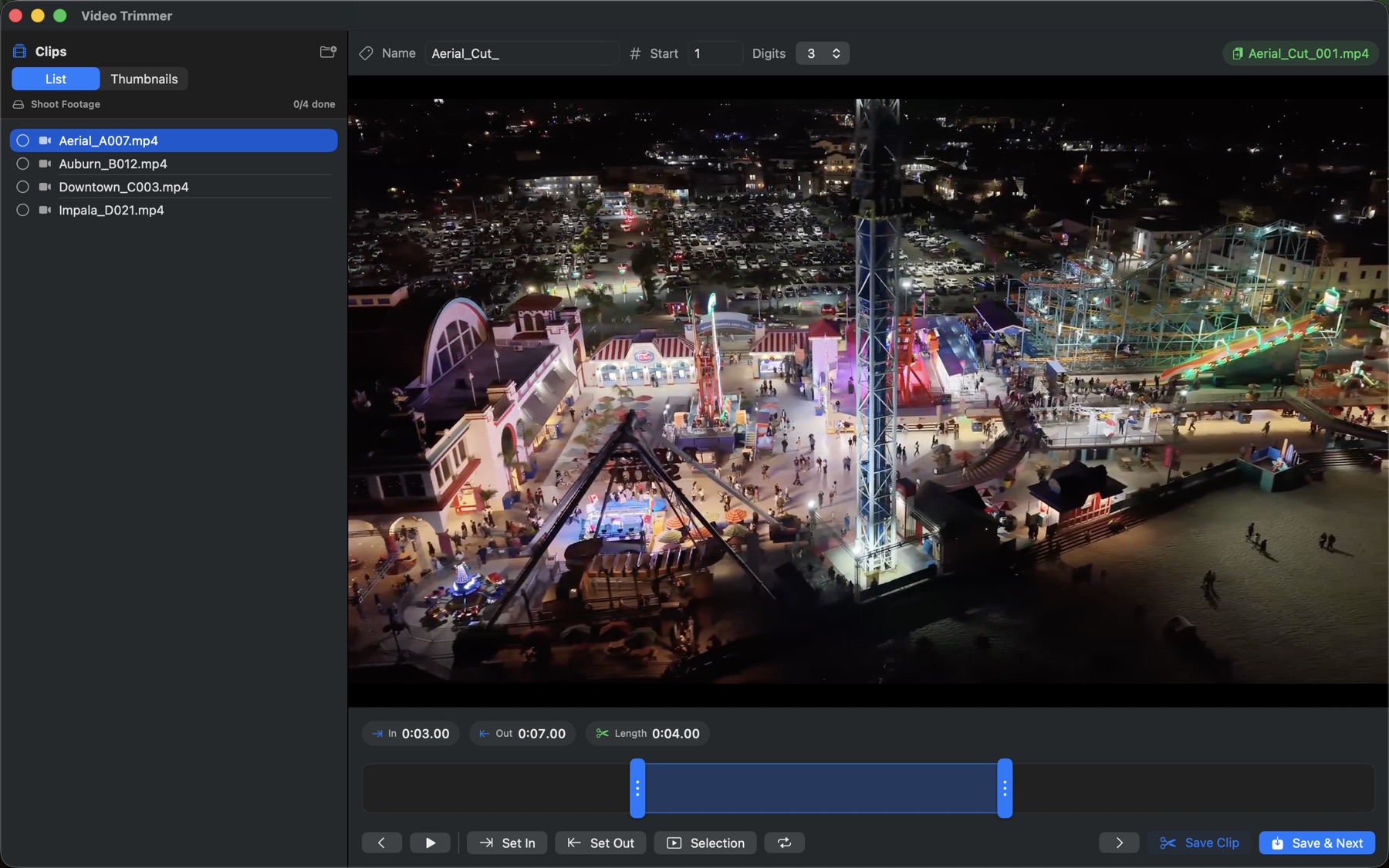
Video Trimmer running on macOS
macOS app

Video Trimmer

Chop a folder of raw footage into clips, fast.

Built for the pile of clips that comes back from a shoot. Open a folder, set an in point and an out point, hit save, move to the next one. It pulls as many clips as you want out of a single video and numbers them as it goes. Your originals are never touched.

  • Plays 4K60 smoothly. No proxies, no waiting around.
  • Pull as many clips as you want out of one video.
  • Auto numbering that picks up where it left off.
  • Keyboard driven. I, O, S and Enter do most of the work.
  • Saves into a trimmed folder next to your originals.
Download for Mac ↓ Version 2.1 · 0.8 MB · free

macOS 13 or later. Apple Silicon and Intel. Signed and notarized by Apple, so it opens on a double click.
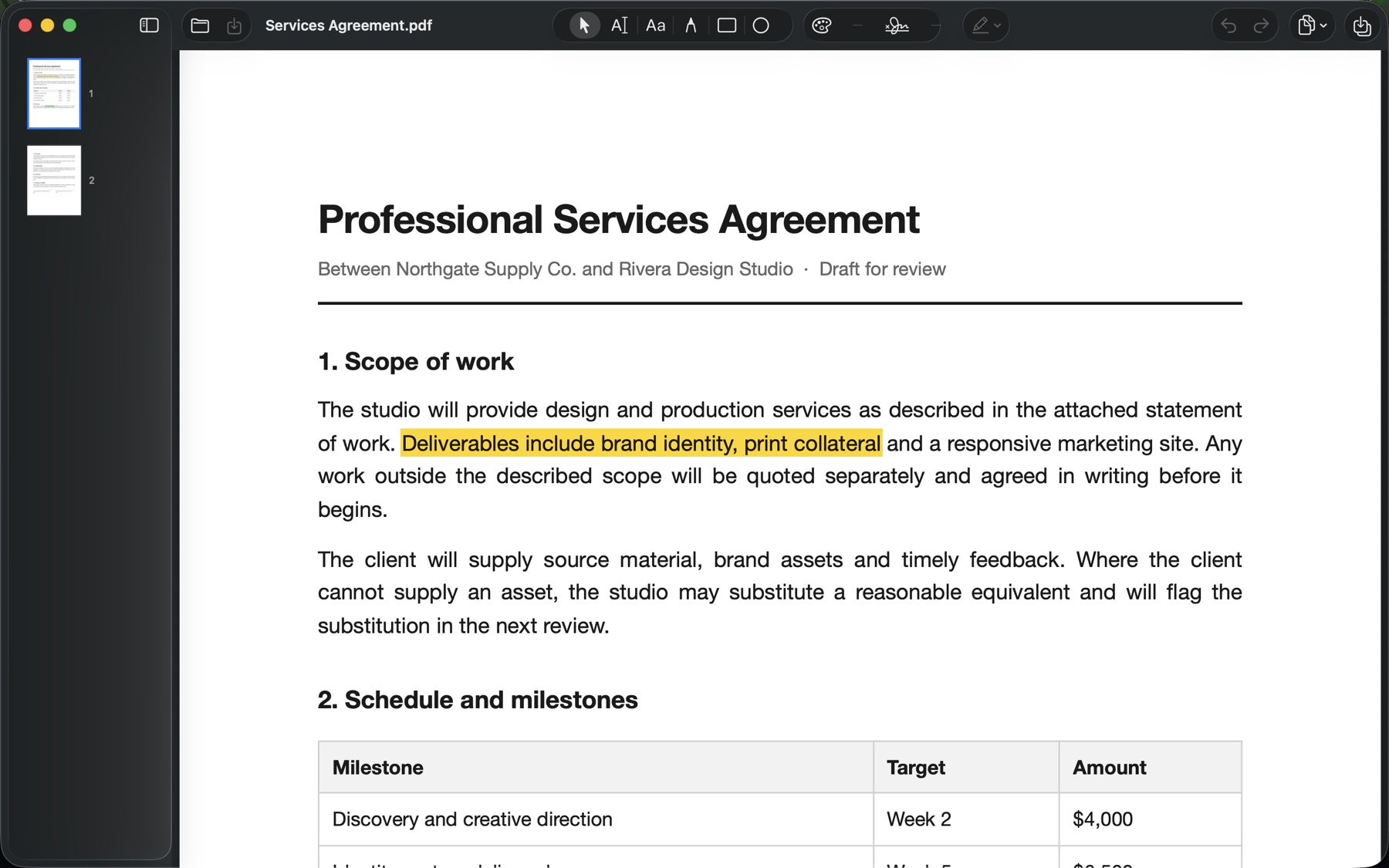
PaperFix running on macOS
macOS app

PaperFix

Sign, mark up and rearrange a PDF without a subscription.

Everything you normally get nagged to pay for. Drop in a PDF, sign it, highlight it, reorder or delete pages, split it apart or merge a stack of them together. Password protected files are handled too. Nothing is uploaded, so whatever you open stays on your Mac.

  • Draw or type a signature once, then reuse it.
  • Highlight, underline, strike through and draw.
  • Reorder, rotate, insert and delete pages.
  • Merge a pile of PDFs, or split one into parts.
  • Opens password protected files.
Download for Mac ↓ Version 1.1 · 1.6 MB · free

macOS 13 or later. Apple Silicon and Intel. Signed and notarized by Apple, so it opens on a double click.

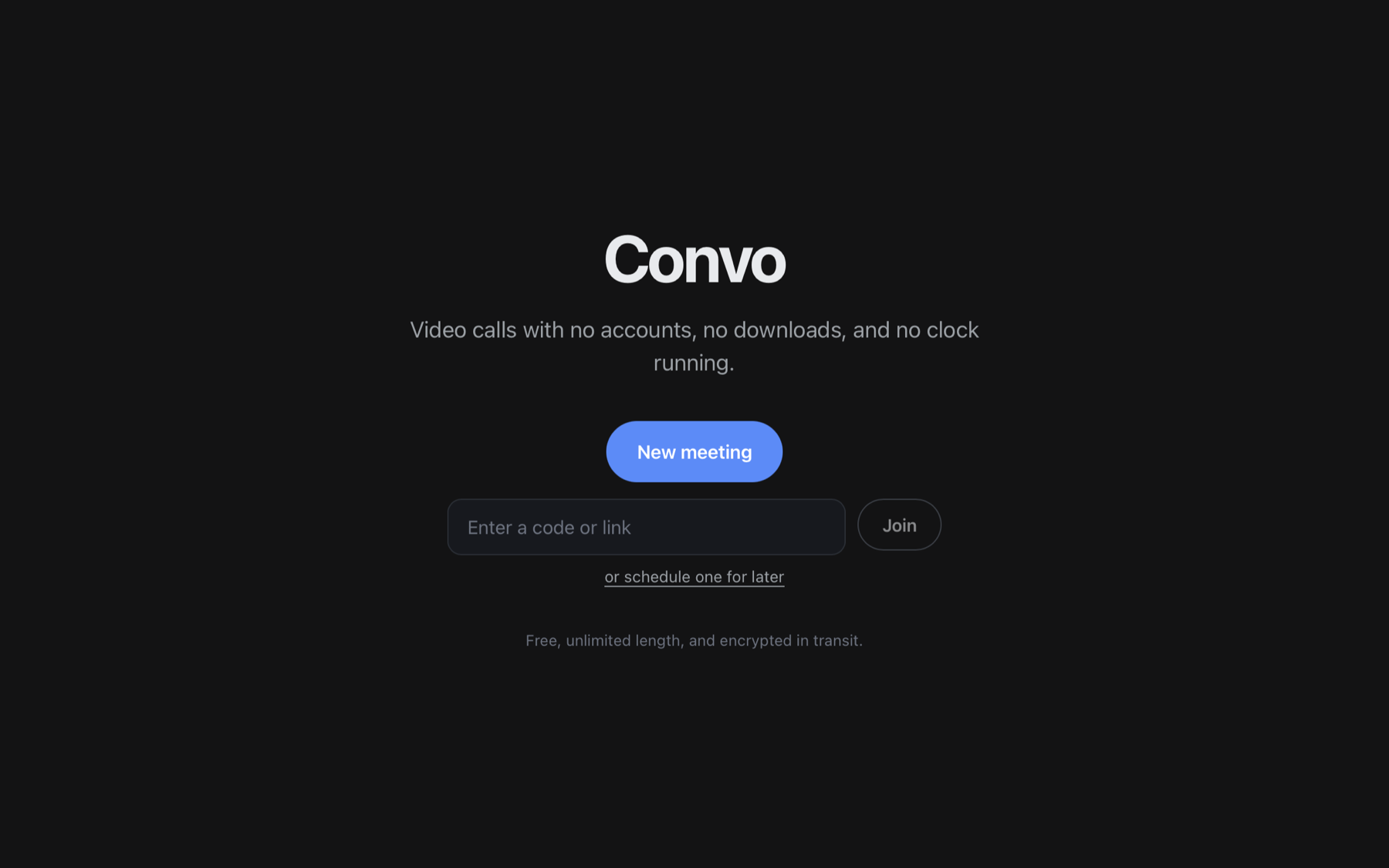
Convo running on macOS
macOS app

Convo

Group video calls with no accounts and no clock running.

Built because every free plan cuts you off at forty minutes. Start a meeting, send the link, talk for as long as you like. Whoever you send it to just clicks and they are in, on any browser. Calls are encrypted on the way over, the same as Zoom and Meet, though not end to end.

  • No time limit and no sign up, for you or your guests.
  • Screen sharing, with everyone still visible beside it.
  • Chat that stays in the call, and a people list.
  • Switch camera, microphone or speaker mid call.
  • Drop a meeting straight into your calendar.
Download for Mac ↓ Version 1.0 · 0.7 MB · free

macOS 13 or later. Apple Silicon and Intel. Guests need nothing but a browser. Signed and notarized by Apple, so it opens on a double click.

More tools are on the way.

getting started

Three steps.

1

Open the download

Double click the DMG, then drag the app into your Applications folder.

2

Open it

Launch the app from Applications. It is signed and notarized by Apple, so it opens straight away.

3

Get to work

Drop in your files and go. Nothing is uploaded and nothing phones home.

Need one built for you?

These started as our own problems. If something in your day is worth automating, tell us what it is.